Every model
Claude, GPT, Gemini — one bar.
Route each question to the model that fits — Claude, GPT, Gemini, or any OpenAI-compatible endpoint, each with its own key.
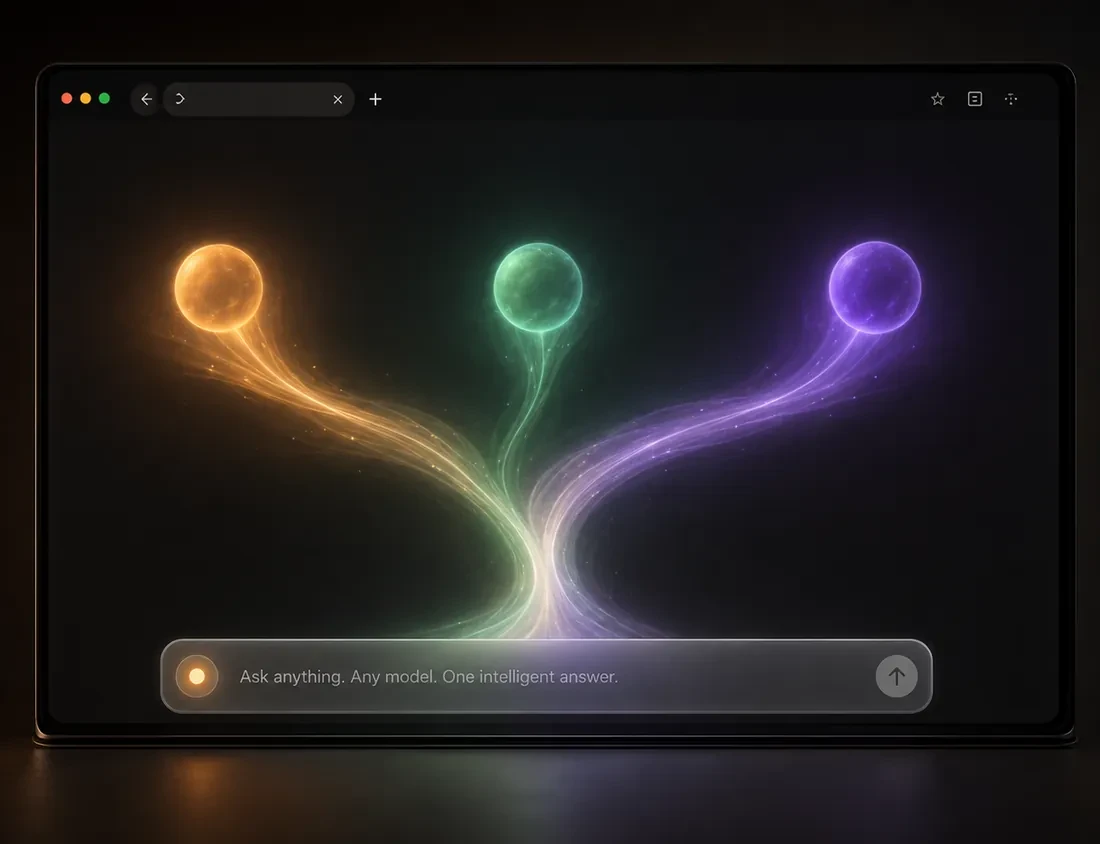
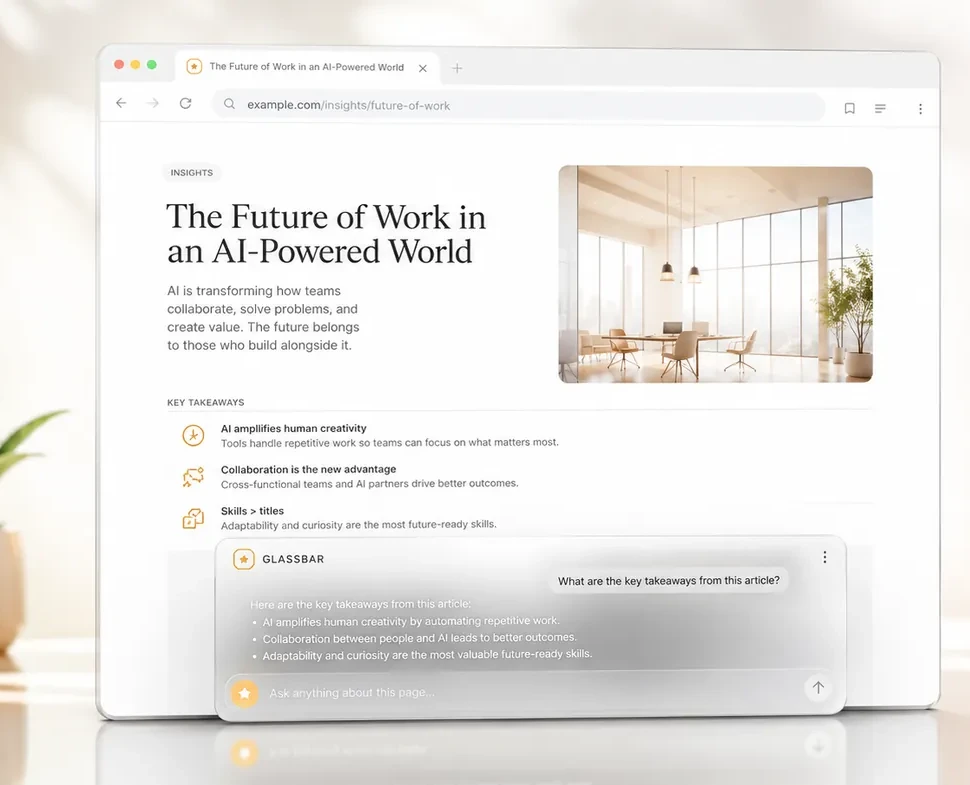
One glass bar, docked to the bottom of every tab. Ask about what you're reading and get the answer in place — from Claude, GPT, Gemini, or a model running on your own machine.
For a decade the goal was more: more countries stamped, more sights ticked, more of the map colored in. Lately the mood has shifted. A growing number of travelers are trading the frantic itinerary for something older and slower — staying longer, moving less, and letting a single place come into focus.
The shift is partly practical. Trains are pleasant again, remote work untethered the calendar, and the math on flights looks different than it did. But it's also a quiet rebellion against the feeling that a trip has become a checklist to complete rather than a stretch of time to inhabit.
What people describe getting back, again and again, is depth — the second-favorite café, the shopkeeper who remembers them. Not distance. Presence.
Route each question to the model that fits — Claude, GPT, Gemini, or any OpenAI-compatible endpoint, each with its own key.
Everything you'd want from an in-page assistant, and nothing you wouldn't.
Claude, GPT, and Gemini — or any OpenAI-compatible endpoint. Switch per task; each provider keeps its own key and model.
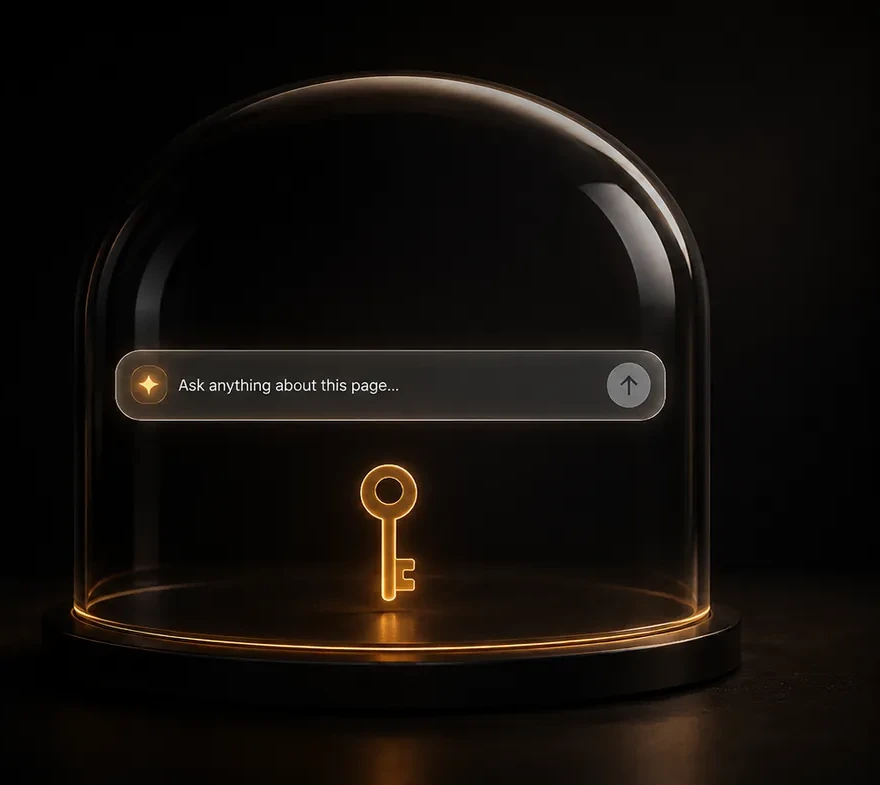
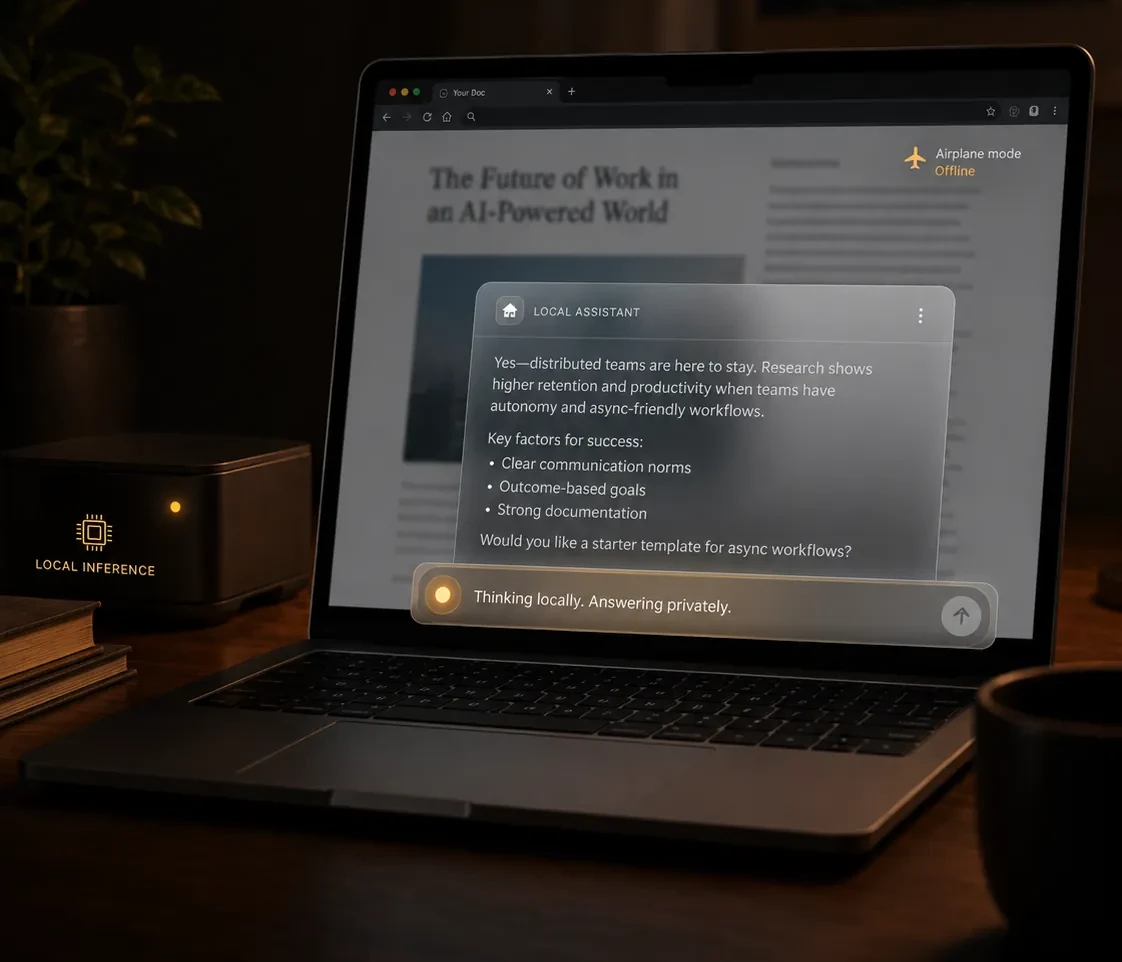
Bring your own API key and your data goes only to the provider. Or point it at Ollama on localhost — nothing leaves your machine.
It rests as a small frosted pill in the corner. Hover to expand, click to pin, Esc to tuck away. Never in the way of what you're reading.
Replies stream in live and render as real headings, lists, and code — not a wall of raw markdown symbols.
A theme switch that sticks across restarts, with the glass tuned to look right either way.
Chrome, Edge, Brave, and Firefox. One codebase, loaded in seconds.
Nothing leaves your browser — no account, no backend. Your keys and chats stay in local storage, and only a page's origin and path are ever sent to the model.
Point GlassBar at Ollama or LM Studio and it answers offline — thinking locally, nothing touching the internet.
Everything you need is free — bring your own key and go. Pro is a one-time unlock for Saved Chats, never a subscription.
One codebase across Chrome, Edge, Brave, and Firefox — loads in seconds and looks identical everywhere.
Install from your browser's store in one click — Edge and Brave use the Chrome Web Store too.
about:debugging.manifest.json.